Barcode
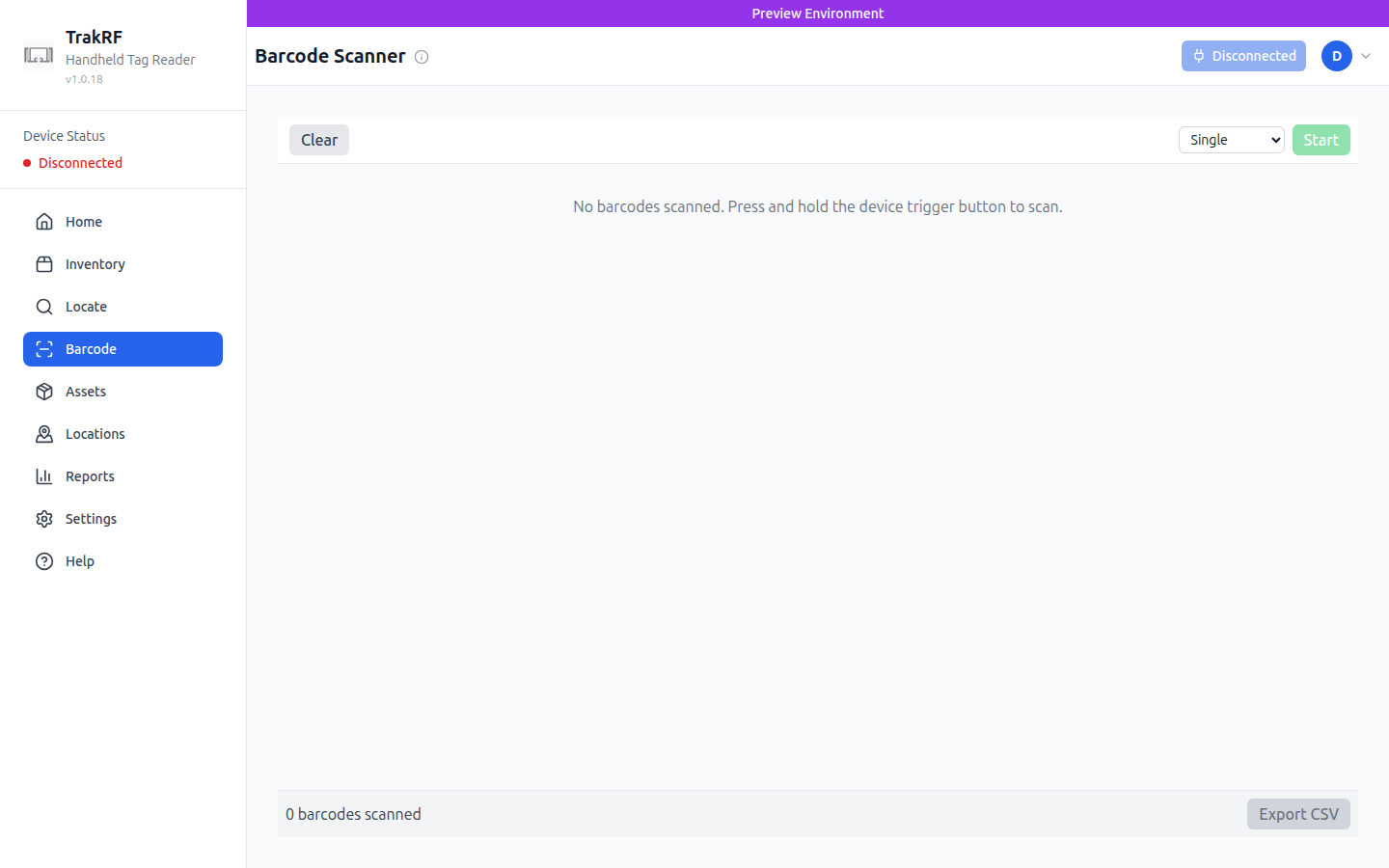
Desktop
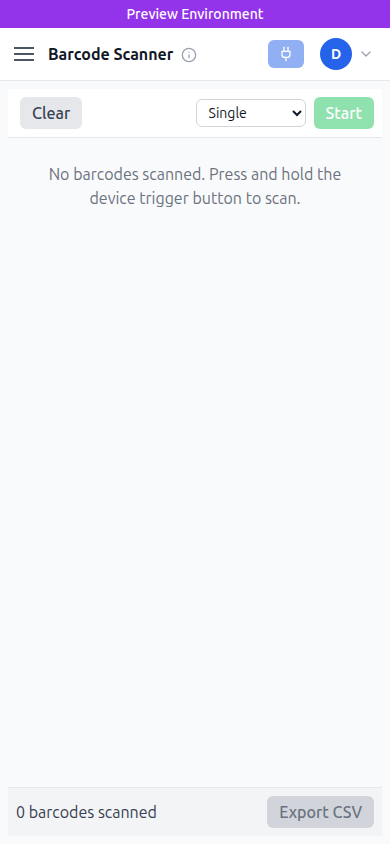
Mobile
What this page does
Barcode is a lightweight scanner for traditional 1D/2D barcodes using the handheld reader's built-in barcode scanner (or the phone camera on mobile). A mode dropdown picks between Single and continuous capture; Start arms the scanner, Clear empties the list, and Export CSV downloads everything scanned so far. The empty state reads "No barcodes scanned. Press and hold the device trigger button to scan."
How it fits in the app
Barcode covers the gap where an asset has a printed SKU or serial but no RFID tag yet — useful during onboarding, receiving, or spot-checks against paper labels. The CSV export is the handoff point to Assets or to external systems.
note
This page was generated as a first-pass tour. Human enhancement welcome.