Locate
Desktop
Mobile
What this page does
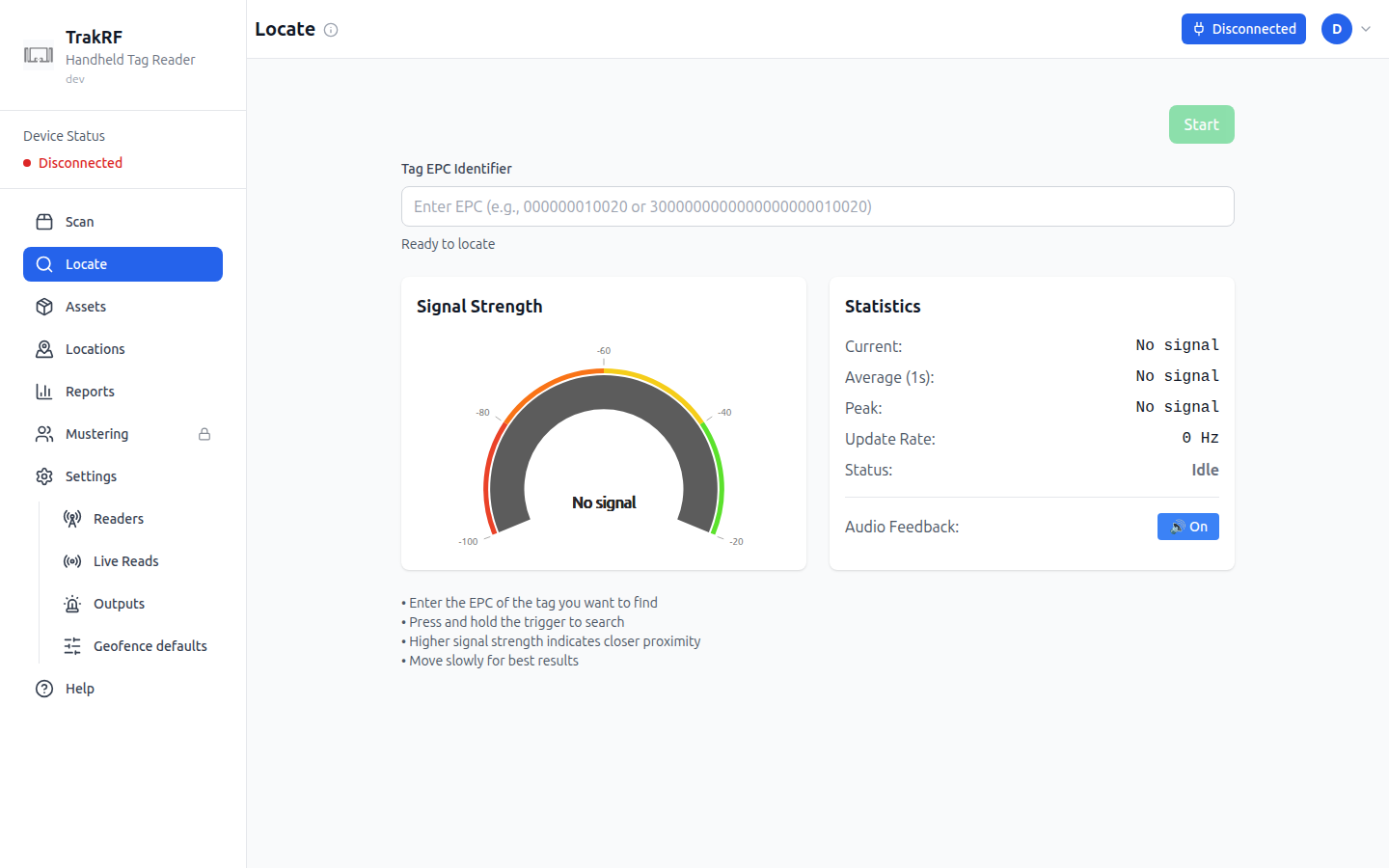
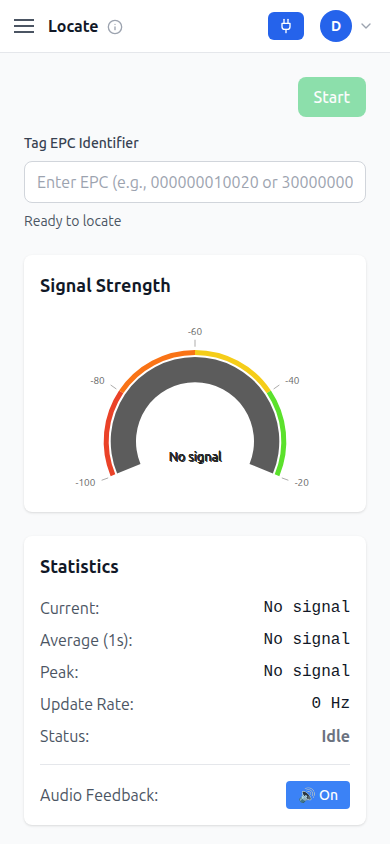
Locate is a proximity finder for a single tag. You paste a Tag EPC Identifier into the field, then either press the on-screen Start button (enabled once a reader is connected) or press and hold the physical trigger — both begin the same search. A semicircular Signal Strength gauge, scaled in dBm from -100 to -20 and banded red-to-green, updates in real time as you walk: stronger signal means the tag is closer. A Statistics panel and a rolling signal history sit below it, and an Audio Feedback toggle, on by default, plays a tone whose pitch rises with signal strength so you don't need to look at the screen while hunting.
Reading the signal
Every live readout follows the read stream rather than the search itself, so a value on screen means the tag is being heard right now. When reads stop — because you have walked out of range, the tag is not there, or you retargeted to a different EPC — they fall back rather than holding the last value.
| Readout | Shows | When reads stop |
|---|---|---|
| Signal Strength gauge | Current strength in dBm | No signal |
| Current | Most recent reading | No signal |
| Average (1s) | Mean over the last second | No signal |
| Peak | Strongest reading of this search | No signal |
| Update Rate | Readings per second | 0 Hz |
| Signal history | Rolling 10-second trace | Disappears |
| Status | Whether a search is running | Stays Searching until you stop |
| Last search - Peak RSSI | Best reading of the finished search | Retained — this line is history, not a live value |
Two of those are deliberate exceptions. Status reports the search, not the signal, so it keeps saying Searching even when nothing is coming back — that is how you tell "still looking" from "found nothing yet". And Last search - Peak RSSI, under the EPC field, is the one place a finished search's best reading is kept on purpose.
How it fits in the app
Locate complements Scan: a Scan sweep's Found and Missing tiles tell you which listed items turned up and which didn't, but Locate is how you walk down a single one of them and confirm exactly where it is. Tags are usually copied here from a Scan result row or from an Assets record.